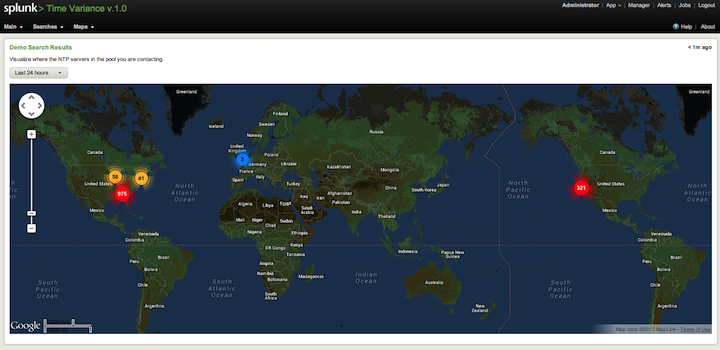
This is an app which shows the time variance among all your servers. It runs the difference between the server and the ntp.pool.org servers.
Requirements:
Currently this only supports Linux and Mac OSX machines. The ntpd service must be started on the server in order for the scripts to work properly.
On Linux run "service ntpd status" and it should be running. If not, run "chkconfig --level 2345 ntpd on" as root on your machine. You can enable ntp in the system settings on your Apple Mac machines.
You will also need to install MAXMIND and Google Maps for the mapping feature.
TA-timevariance:
The TA-timevariance.tar.gz is found in the $SPLUNK_HOME/etc/apps/timevariance directory. Simply copy and unzip this file (tar xzvf TA-timevariance.tar.gz -C $SPLUNK_HOME/etc/apps) to your servers that you want to have forward the time data from.
Feel free to follow : http://amiracle19.blogspot.com/p/time-variance-v10-app.html for updates to this app.
Resources
Log in to report this app listing